Quoting software for Dynamics 365 F&O
Dynamics 365 F&O quoting and order entry,
with your reps in control.
Takeoffs, bid lists and purchase orders reach your inbox written in square feet, brand nicknames and a general contractor's shorthand. ChannelFlex checks each line against your released products and customers in Dynamics 365 Finance & Operations and flags what needs a decision. Your rep reviews the draft, and the approved quote becomes an order ready for Dynamics 365 F&O.
How it fits
From request to approved order for Dynamics 365 F&O
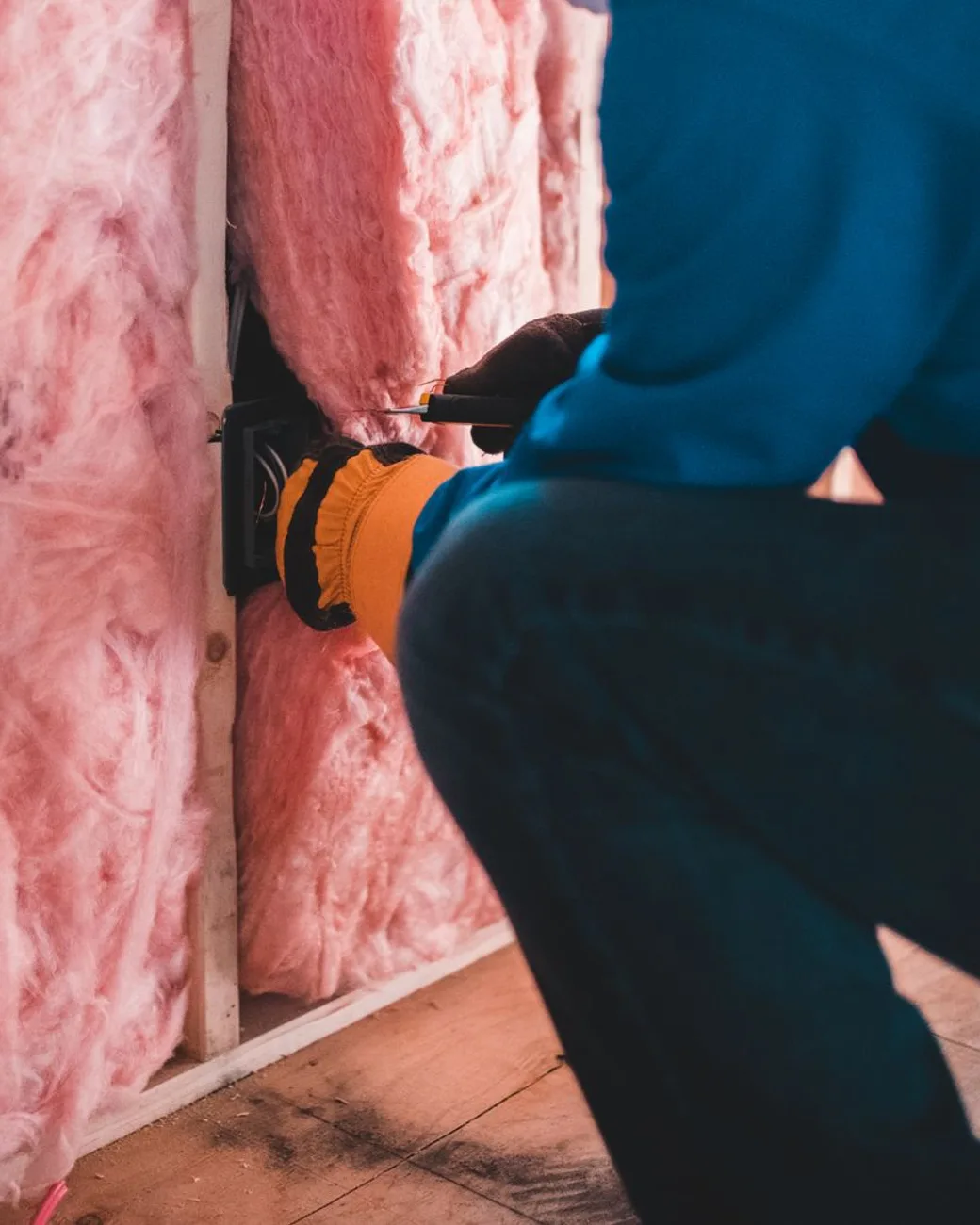
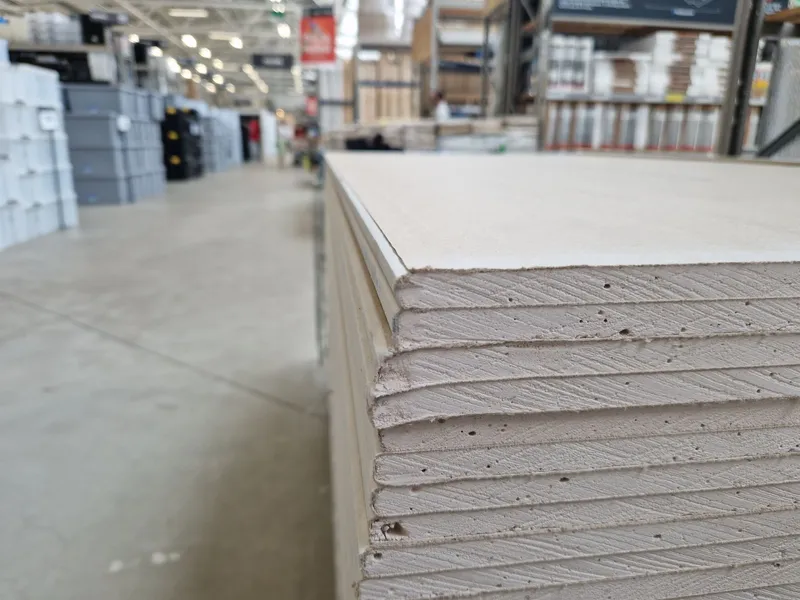
A building materials takeoff can mix square feet of coverage with quantities in sheets, rolls or bags. Your rep checks the sales units before approving the quote.
The takeoff arrives in the inbox
A job takeoff, a general contractor's bid list, or a photo of a counter list arrives as a PDF, a spreadsheet, or a few lines of email. Send it on to ChannelFlex, or give the desk a shared quotes address that does it for them.
Coverage flagged for your rep
A coverage quantity that needs converting, an unclear brand reference, or a line it can't place is flagged with the reason. The rest carry a proposed match to your released products and customer list, with a confidence score. Your rep converts coverage into sales units, fixes anything wrong, and approves the quote.
 Finance & Operations
An order ready for Dynamics 365 F&O
The approved quote becomes an order ready for Dynamics 365 Finance & Operations with the customer account, your item number on each line, and quantities in your sales units.
What IT provides
- Your released products and customer records from Dynamics 365 F&O, so matching uses the products your desk sells
- A sales contact to review the customer account, item matches, quantities and units before approval
- Which legal entity each desk quotes from, if more than one runs through the same inbox
We confirm the records and access your Dynamics 365 F&O setup needs before work starts.
What stays in Dynamics 365 F&O
- List prices, customer pricing, and margin rules
- On-hand inventory and availability by site and warehouse
- Customer accounts, credit limits, and payment terms
- The sales order of record, confirmed and invoiced in Dynamics 365 F&O
Your team keeps working in Dynamics 365 F&O the way it does today.
Which desks run it
Built for the desks that run Dynamics 365 F&O.
Every trade writes its requests differently. Pick yours to see what your reps actually get and how ChannelFlex reads it.
Running a different ERP?


Running something not listed? We work with many more. See every ERP
Questions
Questions about ChannelFlex and Dynamics 365 F&O.
No. Dynamics 365 F&O keeps your released products, customers, pricing, inventory, and sales orders. ChannelFlex prepares the quote from the takeoff or purchase order before it becomes an order.
Your released products and customer records, and a sales contact to review the first drafts. If more than one legal entity quotes through the same inbox, tell us which desk belongs to which.
A single-entity catalog and several legal entities sharing one inbox are different jobs, so we start by checking your released products and sales units. Then your reps run a round of takeoffs through ChannelFlex and compare each draft's items and quantities with the takeoff. Your team decides when quotes built from ChannelFlex drafts start going to customers.
Your rep, on every quote. Each line in the draft carries its match and, where ChannelFlex wasn't sure, the reason it held back. On a building materials desk that's usually where square footage becomes bundles, rolls or bags and the waste factor gets set. The rep corrects what's wrong and approves.
The approved quote becomes an order ready for Dynamics 365 F&O, with the customer account, your item numbers, quantities and sales units. ChannelFlex keeps the quote and the rep's changes with the request, so each line can be checked against what was approved.
Bring your IT questions.
We'll walk a sample request from the inbox to an approved order for Dynamics 365 F&O, and leave time for whatever your team needs to know about the setup. About 30 minutes.